



2-Way Phone and Messaging Integration for HubSpot CRM
- HubSpot contact data on screen as calls arrive
- Personalized auto-attendant greetings and routing from HubSpot data
- Automatic call, SMS, and WhatsApp logging with notes
- Voice-to-text call notes synced to HubSpot automatically
- Automated outbound SMS and WhatsApp from HubSpot workflows
- HubSpot call activity in native reports and dashboards

Overview
Your business runs on HubSpot — the contact records, the deal pipeline, the workflows you’ve built to move customers through it. At a desk, that’s manageable. Away from one, phone calls and messages happen on personal devices, outside HubSpot entirely. Unrecorded. Outside your workflows. Invisible to every process you’ve already built. Spoke Phone brings every conversation back inside HubSpot automatically, on any device, so the same visibility and controls that protect your business at a desk protect it everywhere else too.
- HubSpot contact data on screen as calls arrive
- Personalized auto-attendant greetings and routing from HubSpot data
- Automatic call, SMS, and WhatsApp logging with notes
- Voice-to-text call notes synced to HubSpot automatically
- Automated outbound SMS and WhatsApp from HubSpot workflows
- HubSpot call activity in native reports and dashboards
KNOW WHO’S CALLING BEFORE YOU ANSWER
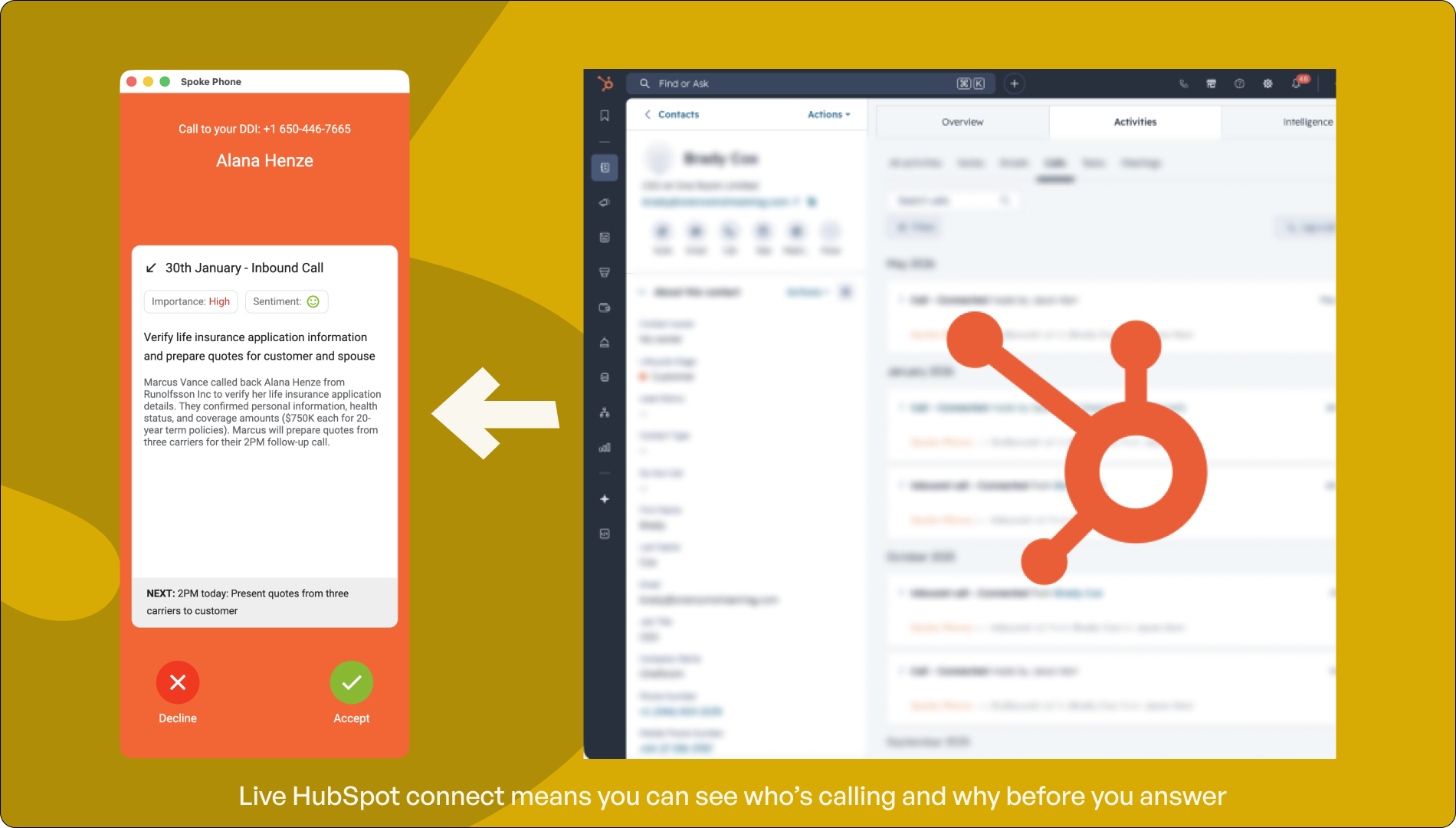
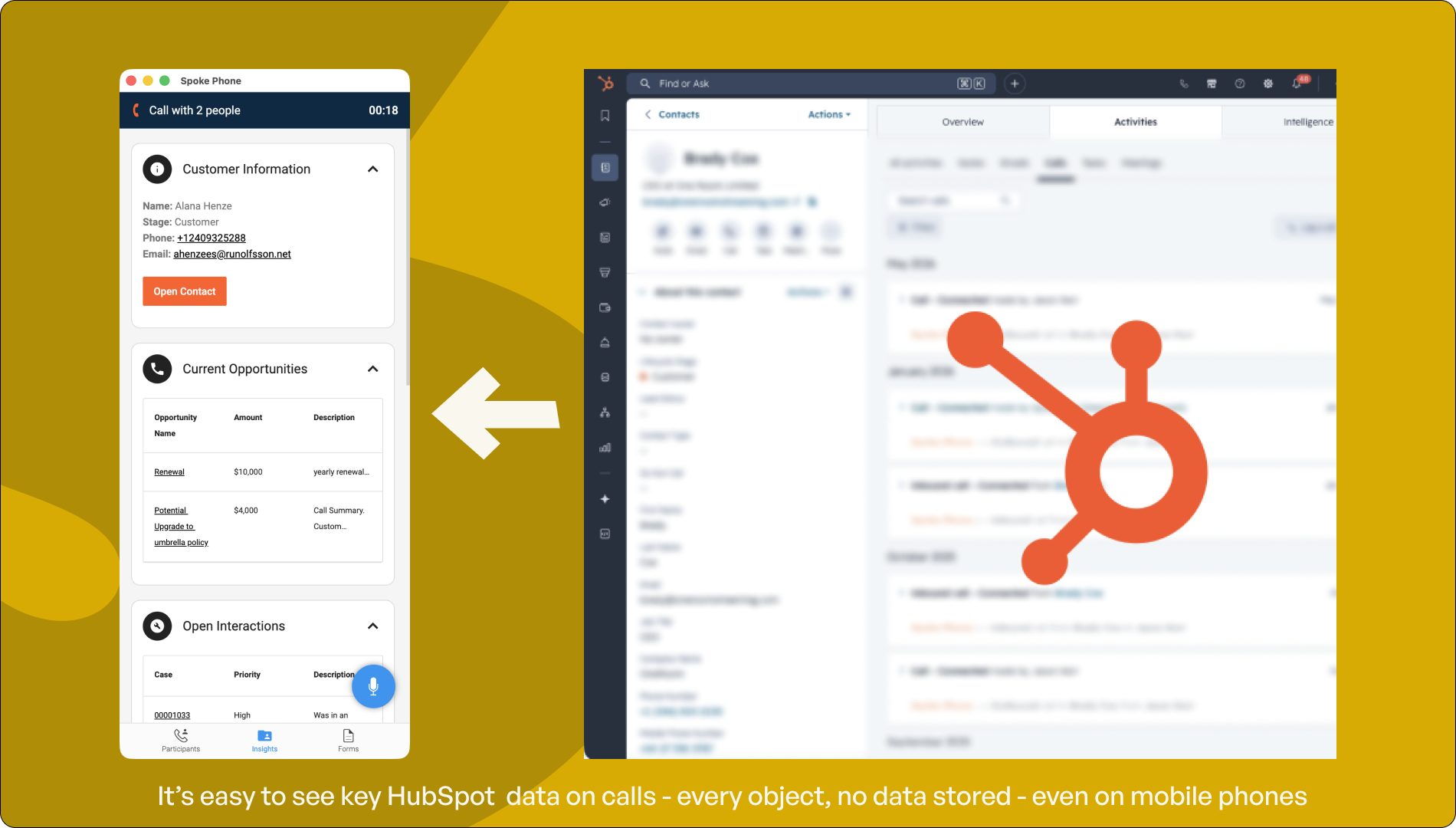
See real-time customer information from HubSpot as calls come in
When a call arrives, Spoke Phone pulls the matching HubSpot contact record and displays the customer’s name, deal stage, open tickets, and recent activity on screen. Agents answer informed. For teams routing calls by deal stage or customer type, the right person gets the right caller before the conversation starts.
TREAT EVERY CALLER LIKE YOUR BEST CUSTOMER
Personalize auto-attendant greetings and call routing using HubSpot data
Spoke Phone reads HubSpot data the moment a call arrives and uses it to shape what happens next. Callers hear a greeting that references their name, their account manager, or where they are in the process. Routing options are tailored to their situation. A prospect gets a different path than a customer waiting on a delivery. For teams handling inbound calls at scale, this is configured once and runs automatically, with no manual intervention per call.
REACH ANY CONTACT FROM ANYWHERE
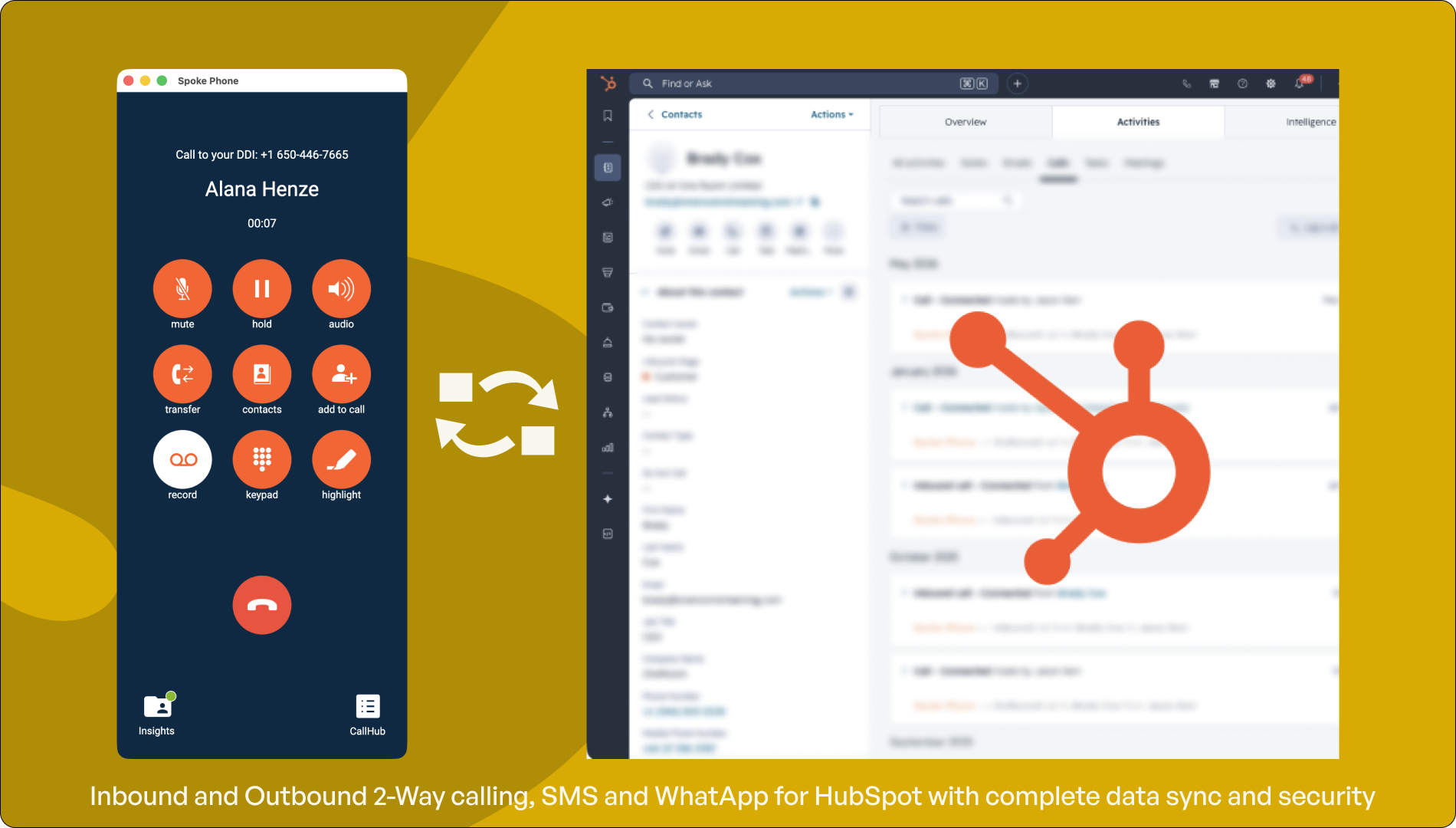
Search and call HubSpot contacts from inside Spoke Phone
Spoke Phone keeps your HubSpot contacts available on any device. Teams can find, call, and message any contact directly from Spoke Phone without leaving the app or switching screens. Contact records stay in sync, so whoever picks up the call has the right details in front of them, whether they’re at a desk or on the road.
LOG EVERY CONVERSATION AUTOMATICALLY
Every call, SMS, and WhatsApp message logged to the right HubSpot record
Spoke Phone logs every voice call, SMS, and WhatsApp message against the correct HubSpot contact or deal record. Duration, direction, outcome, and any notes are included. On mobile, agents talk through their notes after a call ends and they sync to HubSpot automatically. On desktop, call records are captured inside the HubSpot interface. The CRM stays accurate.
NO MORE NOTES LEFT UNWRITTEN
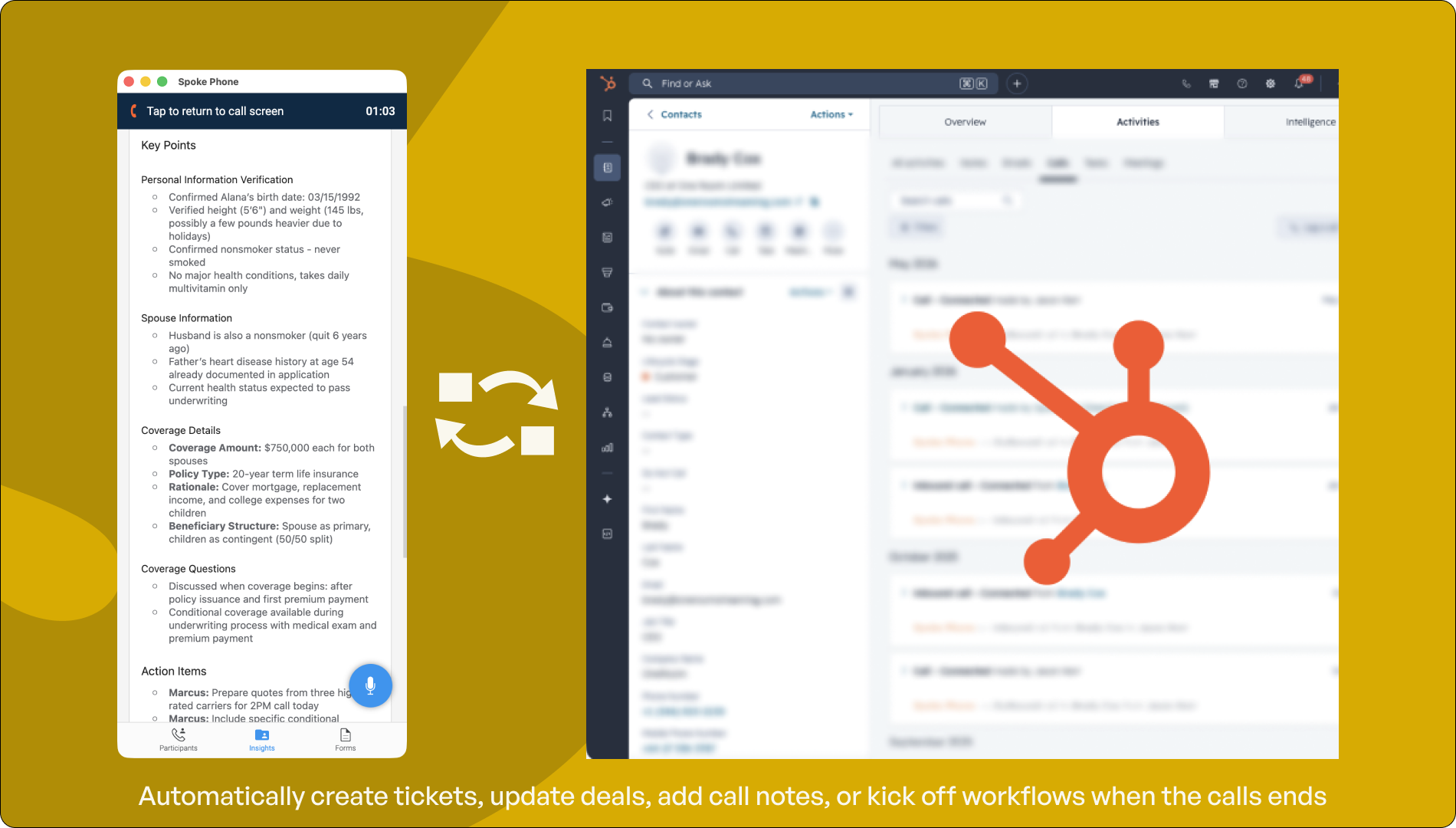
Voice-to-text call notes written to HubSpot without anyone typing
When a call ends, agents talkthrough what happened and Spoke Phone transcribes it directly into HubSpot as a callnote. No typing, no logging in later, no relying on memory. For teams handling high call volumes, this removes the single biggest reason notes don’t get written. The record is in HubSpot before the next call starts.
SEND PERSONALIZED MESSAGES AT SCALE
Trigger automated SMS and WhatsApp from HubSpot workflows
Spoke connects to HubSpot’s workflow engine so teams can trigger personalized SMS and WhatsApp messages automatically when a contact’s status changes — confirmations, reminders, and follow-up instructions. Messages are sent from the team’s actual number, not a shortcode, so replies land back in Spoke Phone and are logged against the HubSpot record.
SEE WHO IS CALLING, FOR HOW LONG, AND WHO IS NOT
HubSpot call activity feeds native reports and dashboards
Every call logged through Spoke Phone populates HubSpot’s native call reports. Managers can see call volumes, durations, and outcomes by rep, team, or time period without needing a separate analytics tool. For teams using HubSpot dashboards already, Spoke call data appears alongside deal and contact activity.


